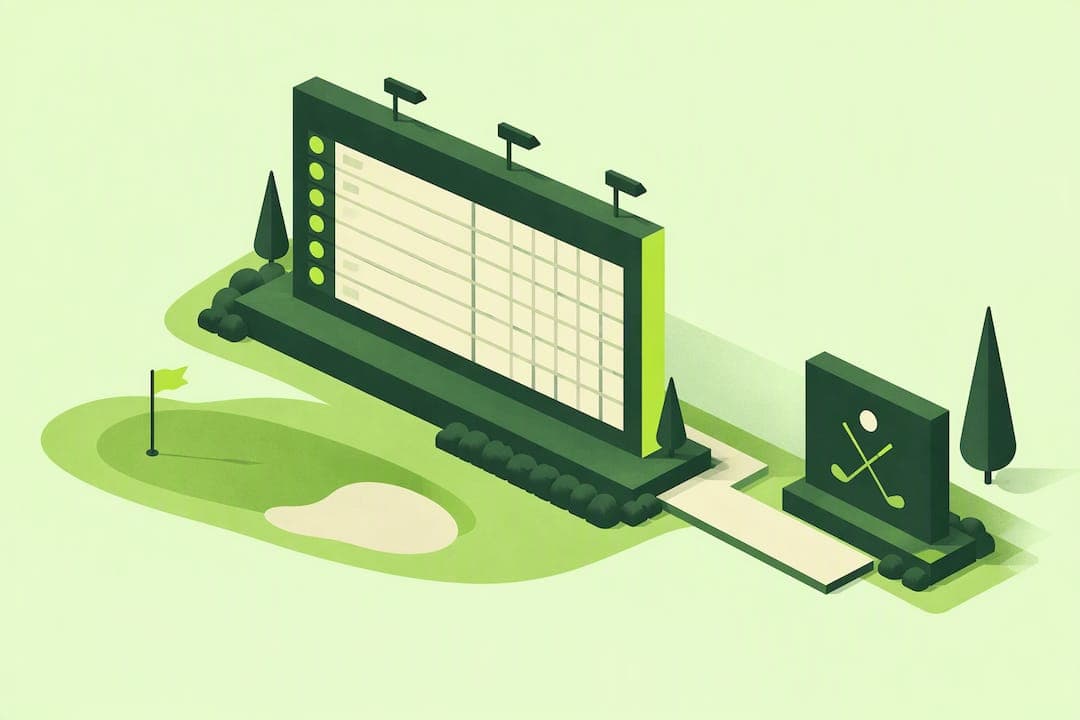
The highest-impact tactics are a public, mobile-friendly leaderboard shared through a QR code with a sponsor banner up top, mid-round score push notifications that keep players checking back, and hole-level shout-outs for sponsors and donors. Start with the QR-linked public leaderboard: it costs almost nothing to set up, works on any phone, and gives sponsors visible exposure from the first tee shot to the final putt.
TL;DR:
- Chase Birdies charges $1 per participant with no subscription; one $250 hole sponsorship can cover a field of 100 players and leave money for signage.
- A public leaderboard maximizes sponsor exposure, while PIN protection suits private groups and premium sponsor packages that restrict access to invited viewers.
- Request high resolution sponsor logos at least two weeks ahead, then test QR codes, mobile updates, and scoring format before event day.
- Weak cell service can interrupt score entry, so test the page on two phone models, print scannable QR codes, and provide a backup URL.
- Scramble and best ball formats often suit casual fundraisers, where mixed skill groups can keep play moving faster than in other formats.
Table of Contents
- 1. Creative Leaderboard Branding Ideas You Can Copy
- 2. How to Implement a Branded Live Leaderboard at Your Event
- 3. Pricing and Budget Considerations for Small Clubs and Fundraisers
- 4. Sponsorship and Fundraising: Selling Leaderboard Exposure
- 5. Technical Checklist and Accessibility Considerations
- 6. Why Live Leaderboards Boost Player Engagement and Event Atmosphere
- 7. Case Studies: Successful Leaderboard Branding in Golf Tournaments
- Organizer Perspective: Quick Notes From Running Branded Leaderboards
- How Chase Birdies Helps You Brand Your Next Leaderboard
- FAQ
- Sources
1. Creative Leaderboard Branding Ideas You Can Copy
A branded leaderboard does more than post scores. It becomes the visual center of your event, the thing players check between holes and the thing sponsors point to when deciding whether to come back next year. According to GrowGolf's reporting on tournament technology, electronic leaderboard pages can display sponsor logos and be shared through QR codes or hyperlinks, which increases exposure well beyond what a printed sign near the clubhouse ever could.
Here are eight ideas worth trying, roughly in order of how fast they pay off:
- QR-linked public leaderboard with sponsor banner. Print a QR code on cart signs or scorecards that opens the live leaderboard, with your title sponsor's logo sitting at the top of the page.
- Sponsor logo placement in the header and social snapshots. Upload sponsor logos once, and they appear automatically on every leaderboard view and any screenshot you share.
- Themed leaderboard skins. Match the leaderboard's colors to your event or the honoree of a charity tournament so it feels designed, not default.
- Hole-level sponsor shout-outs. Pair a specific hole sponsor with a note on the leaderboard, so their name appears every time someone checks that hole's scores.
- Live moment shout-outs for eagles and birdies. Tie a quick congratulatory note to a sponsor micro-ad, since GrowGolf notes that mid-round leaderboard updates create real excitement among players.
- Printable QR scorecards and on-course signage. Place small QR signs at the turn and near the clubhouse so anyone can pull up live standings without asking a volunteer.
- Social-ready leaderboard images. Screenshot the current standings and post them mid-round. It gives sponsors a second life for their logo beyond the course itself.
- PIN-protected VIP or donor-only view. Offer premium sponsors a private leaderboard page as part of a higher-tier sponsorship package.
Pro Tip: Pick two or three of these for your first event instead of all eight. A clean, well-branded leaderboard with one sponsor beats a cluttered one with five.
2. How to Implement a Branded Live Leaderboard at Your Event
Getting a branded leaderboard live is mostly a sequencing problem. Handle these steps in order and you will avoid the scramble that usually happens the morning of the event.
- Collect your roster and sponsor assets early. Get player names, flights, and handicaps, along with logo files from any sponsor you want featured.
- Lock your scoring format. Decide whether you are running a scramble, shamble, best ball, stroke play, or match play event, since that affects how scores get entered.
- Build the leaderboard page. Create your event, upload branding assets, choose your colors, and decide whether the leaderboard is public or PIN-protected for private groups.
- Generate your QR codes and short links. Print them on scorecards and signage, then test mobile scoring and leaderboard updates a few days ahead so there are no surprises.
- Support the round. Check in with scorers early, keep an eye on the live page, and push a social snapshot when someone makes a run at the lead.
- Wrap up with sponsor deliverables. Export final leaderboard images and a quick summary of engagement to send sponsors after the event.
A dedicated live leaderboard feature walks through most of this setup if you want a reference while you build your first event.
Pro Tip: Run a five-minute test round with two fake scores before the real event starts, using tools like Pickleball Organizers: Four Line Team League Scoring, DreamBreaker, DUPR | FlexLeague+ to streamline scoring workflows. It catches formatting mistakes while you still have time to fix them.
3. Pricing and Budget Considerations for Small Clubs and Fundraisers
Most small clubs and fundraiser hosts weigh three budgeting approaches: a per-player fee baked into registration, a flat event fee the host absorbs, or a sponsor-covered model where sponsorship dollars offset the cost entirely.
- Per-player fee: Add a small amount to each registration, often invisible next to greens fees and cart costs.
- Flat event fee: The host pays once, which works when there is already a hospitality or operations budget.
- Sponsor-covered model: A single hole sponsor or title sponsor payment covers the entire leaderboard cost with room to spare.
Chase Birdies charges a flat $1 per participant with no subscription and no hidden fees, which tends to be the most affordable route for one-off fundraisers where you are not running events every week. A single $250 hole sponsorship, for example, can cover a 100-player field with budget left for printing and signage.
4. Sponsorship and Fundraising: Selling Leaderboard Exposure
Selling leaderboard space works best when you give sponsors a clear menu instead of a vague "exposure" promise.
- Title package: Logo in the leaderboard header, mention on every social snapshot, and a shout-out at check-in.
- Hole-pack package: Logo tied to one specific hole, visible whenever someone views that hole's scores.
- Social add-on: Logo featured on live moment shout-outs (eagles, birdies, closest-to-pin) shared during the round.
Ask sponsors for high-resolution logo files, ideally a transparent PNG, at least two weeks before the event so you have time to test placement. When you pitch packages, promise concrete numbers you can actually deliver, like public leaderboard views and the number of social shares planned, rather than vague reach claims.
Pro Tip: Send sponsors a screenshot of last year's leaderboard, or a sample from Chase Birdies' public leaderboard examples, so they can picture their logo before they commit.
5. Technical Checklist and Accessibility Considerations
A branded leaderboard only helps your event if it works reliably on the course, often with spotty cell service and players checking from every kind of phone.
- Test the leaderboard on at least two different phone models before event day.
- Print QR codes large enough to scan from a few feet away, and keep a short backup URL handy in case a code gets smudged.
- Plan for weak connectivity, since GrowGolf's reporting notes that software-driven scoring systems are built to speed up score capture, but only when the device entering scores has a signal.
- Set PIN protection if you want a private view, and check that text contrast and font size stay readable in direct sunlight.
Live, software-driven scoring and leaderboards speed up registration and results reporting compared to paper scorecards, according to GrowGolf, which matters most when you are trying to announce winners before guests start heading home.
6. Why Live Leaderboards Boost Player Engagement and Event Atmosphere
A printed scorecard tucked in someone's pocket does not create any drama until the round ends. A live leaderboard changes that completely, because players can see exactly where they stand against the field after every hole.
GrowGolf describes this as turning club events into shared theater, with players reacting strongly to mid-round updates as the leaderboard shifts. That reaction is not just about competition. It gives people a reason to talk to each other between holes, check their phones at the turn, and stick around after their own round finishes to see how the final groups land.

For organizers, that extra attention is valuable beyond the fun factor. Every time someone checks the leaderboard, they see your sponsor's logo again. A quiet afternoon with 80 players checking scores five or six times each adds up to real sponsor visibility, something a static banner near the first tee cannot match. The leaderboard becomes the thing people are actually looking at, not the signage they walk past on the way to their cart.
7. Case Studies: Successful Leaderboard Branding in Golf Tournaments
Across the examples GrowGolf highlights, the pattern is consistent: events that put sponsor logos directly on the electronic leaderboard, then shared that leaderboard through a QR code or link, saw more community engagement than events relying on passive course signage alone. One recurring detail is how organizers use live leaderboard pages to keep both players and spectators checking in throughout the round rather than waiting for a final printed result.
The lesson for a small club or charity fundraiser is not that you need expensive production work. It is that the branding has to live where attention already is, which during a tournament is the leaderboard itself. A hole sponsor whose logo only appears on a sign near their assigned tee gets seen once, by whoever plays that hole. The same sponsor's logo on a shared leaderboard page gets seen every time anyone checks the standings, including people who never set foot near that hole. That shift, from static signage to an interactive, shared leaderboard, is the core idea behind most of the successful branding examples worth copying.

Organizer Perspective: Quick Notes From Running Branded Leaderboards
Organizers who try a branded leaderboard once tend to notice the same things: more players checking their phones mid-round, sponsors genuinely pleased to see their logo live, and a faster, calmer path to announcing winners. Start with one sponsor and a single QR-linked leaderboard, then build from there once you see what sticks.
— Jon
How Chase Birdies Helps You Brand Your Next Leaderboard
We built Chase Birdies for organizers running one event at a time, not golf facilities managing a packed annual calendar. Hole-by-hole mobile scoring, a live leaderboard page with your branding, and public or PIN-protected access are all part of the setup, and we charge $1 per participant with no subscription attached.
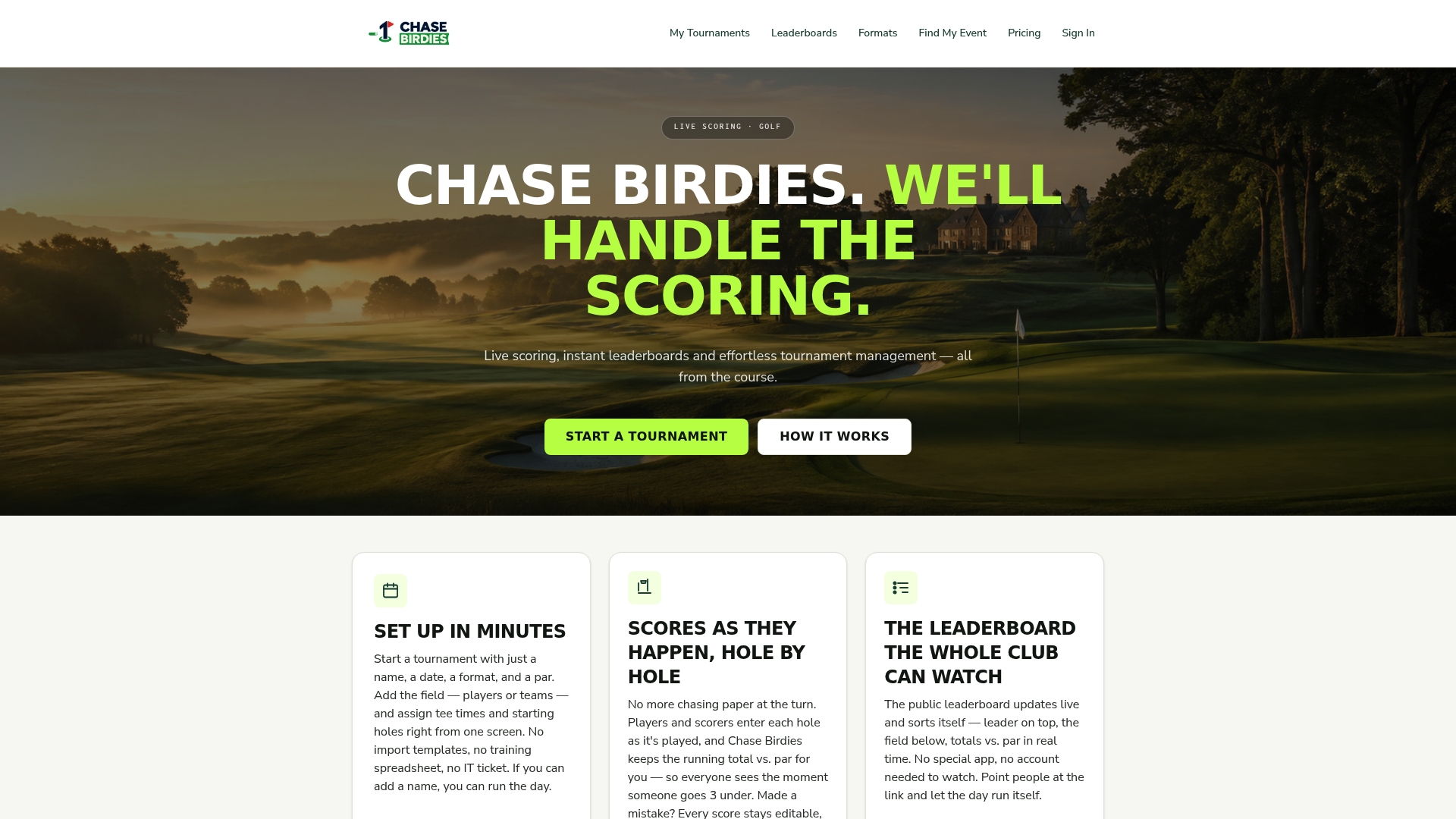
- Set up your event and upload sponsor branding in minutes, with no technical background required.
- Let players or scorers enter scores hole by hole from any phone, with standings updating instantly.
- Choose a public leaderboard for maximum sponsor exposure or a PIN-protected view for private groups.
If you are ready to see it in action, browse our live golf leaderboard examples or head straight to set up your tournament.
FAQ
What is the cheapest way to brand a golf tournament leaderboard?
A QR-linked public leaderboard with a sponsor logo in the header is the lowest-cost option, since it needs no printed signage beyond the QR code itself. Chase Birdies prices this at $1 per participant with no subscription required.
How do I add sponsor logos to a live leaderboard?
Upload the sponsor's logo file when you set up your event page, and it displays automatically in the leaderboard header and on any social snapshots you share. Request logo files at least two weeks before the event to leave time for testing placement.
Should a tournament leaderboard be public or PIN-protected?
A public leaderboard maximizes sponsor exposure since anyone with the QR code or link can view it, which works well for most club events and fundraisers. A PIN-protected leaderboard fits private groups or VIP-only sponsor packages where you want to limit who sees the standings.
What format works best for a small club golf tournament leaderboard?
Live leaderboards can support scramble, shamble, best ball, stroke play, and match play formats, so the right choice depends on your field size and skill mix. Scramble and best ball tend to suit casual or fundraiser events since they keep pace of play faster for mixed-skill groups.
How can I test a leaderboard before tournament day?
Run a short practice round with two or three test scores entered from a phone to confirm the leaderboard updates correctly and displays sponsor branding as expected. Testing mobile scoring in advance catches formatting issues while there is still time to fix them before players arrive.